XianYu Robot Web Management System: Simplifying Automated Trading

The XianYu Robot Web Management System is a specialized web interface tool designed for managing XianyuAutoAgent robots. The system’s primary goal is to simplify the token extraction process, providing an intuitive web interface that makes robot management simple and efficient. This article will detail the system’s installation, configuration, and usage methods.

1. System Features and Advantages

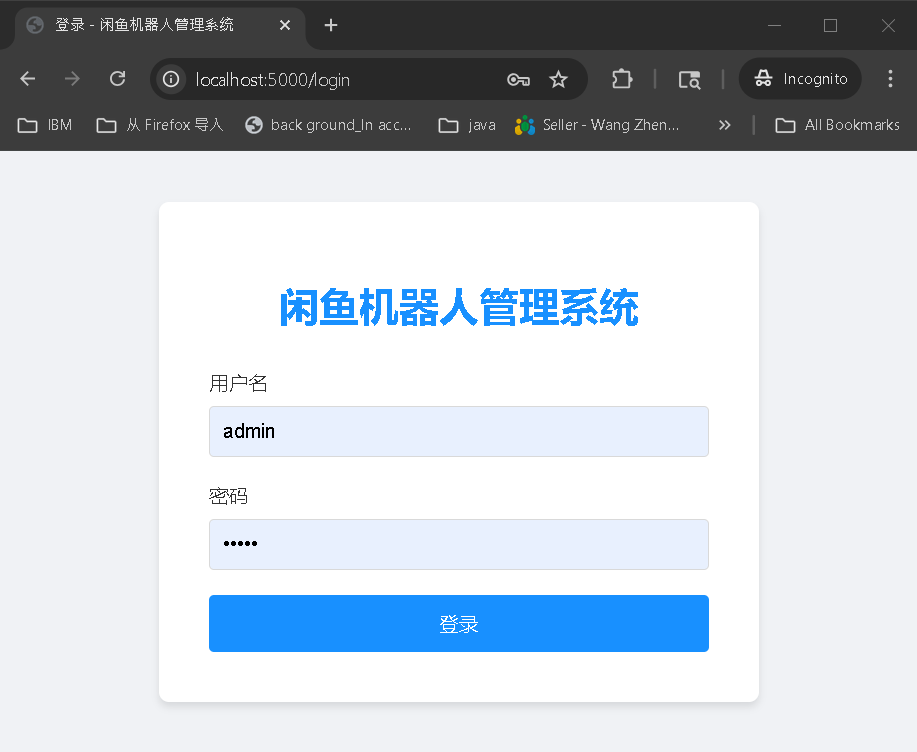
XianYu Robot Web Management System login interface, featuring a clean login form and modern design
Figure 1: XianYu Robot Web Management System Login Interface
  • Graphical web interface for intuitive operation
  • Automated token management, eliminating manual extraction
  • Remote management capabilities for anywhere access
  • Secure user authentication system
  • Flexible configuration options

2. Installation and Configuration Guide

The system installation process is straightforward, requiring just a few steps:

  1. Download the project code:
    1
    2
    
    git clone https://github.com/admingit2025/goofishbot-web.git
    cd goofishbot-web
    
  2. Ensure you have the latest version of XianyuAutoAgent (pre-installed)
  3. Install dependencies:
    1
    
    pip install -r requirement.txt
    
  4. Launch the system:
    1
    
    python run2.py
    

3. Usage Instructions

Basic Operation Process

  1. Access the System:

    • Open your browser and navigate to http://localhost:5000
    • Default login credentials: username admin, password admin
  2. Startup Steps:

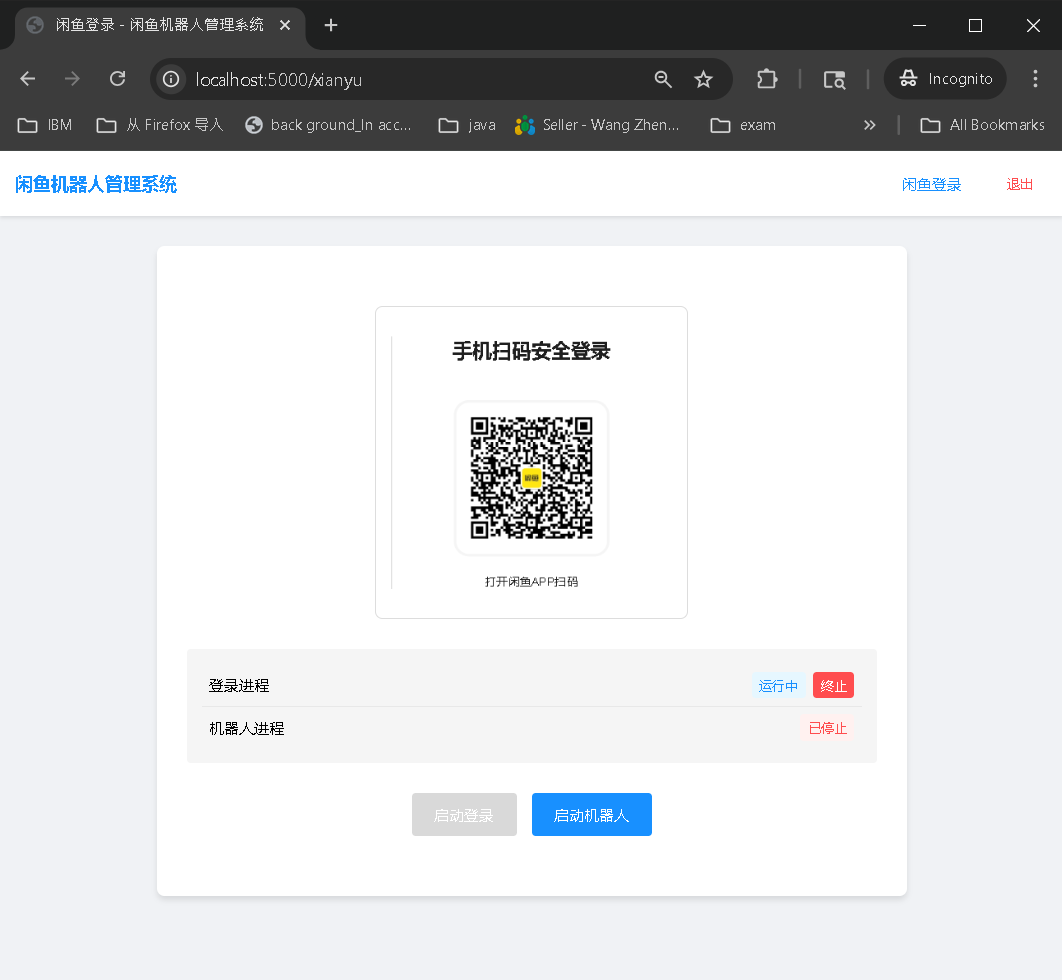
    System start login button interface, showing green start button
    Figure 2: Start Login Button
    • Click the “Start Login” button
    • Wait for the login success notification; the login process will automatically exit upon success
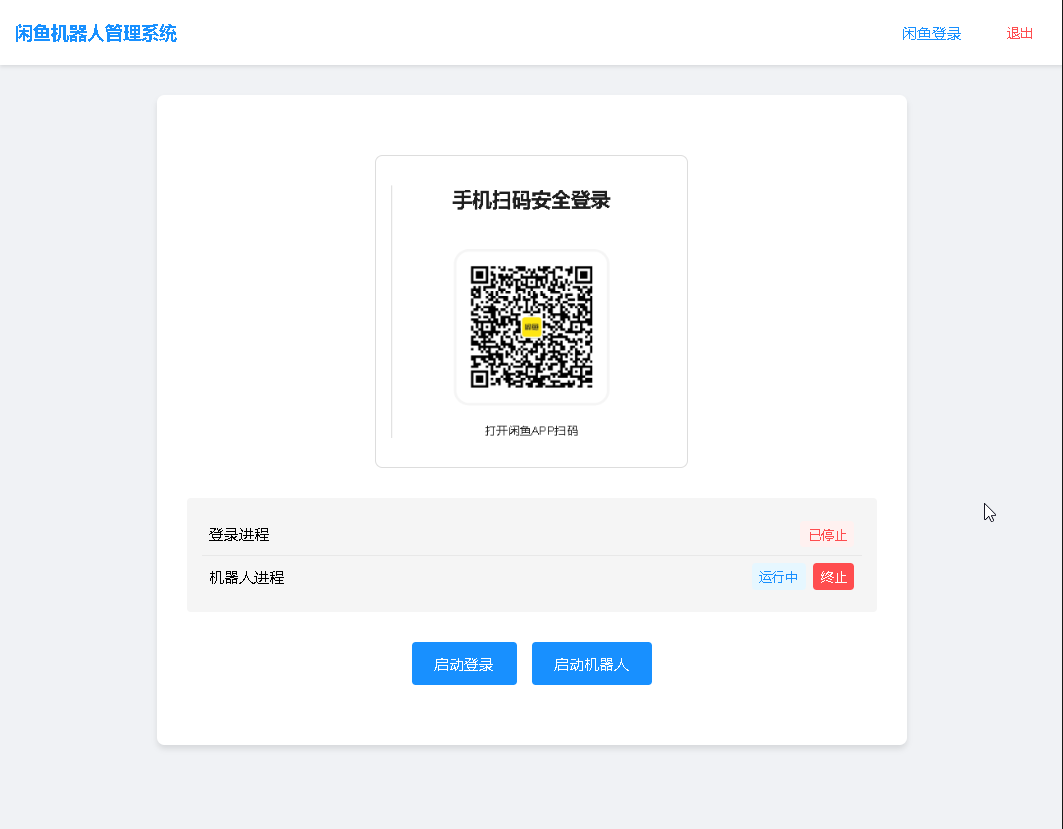
    Robot startup interface, showing status and control buttons
    Figure 3: Start Robot Interface
    • Click “Start Robot” to begin operation

Advanced Configuration

To modify system settings, edit the /config/settings.py file:

  • Modify login password
  • Change service port
  • Adjust other system parameters

4. Common Issues and Solutions

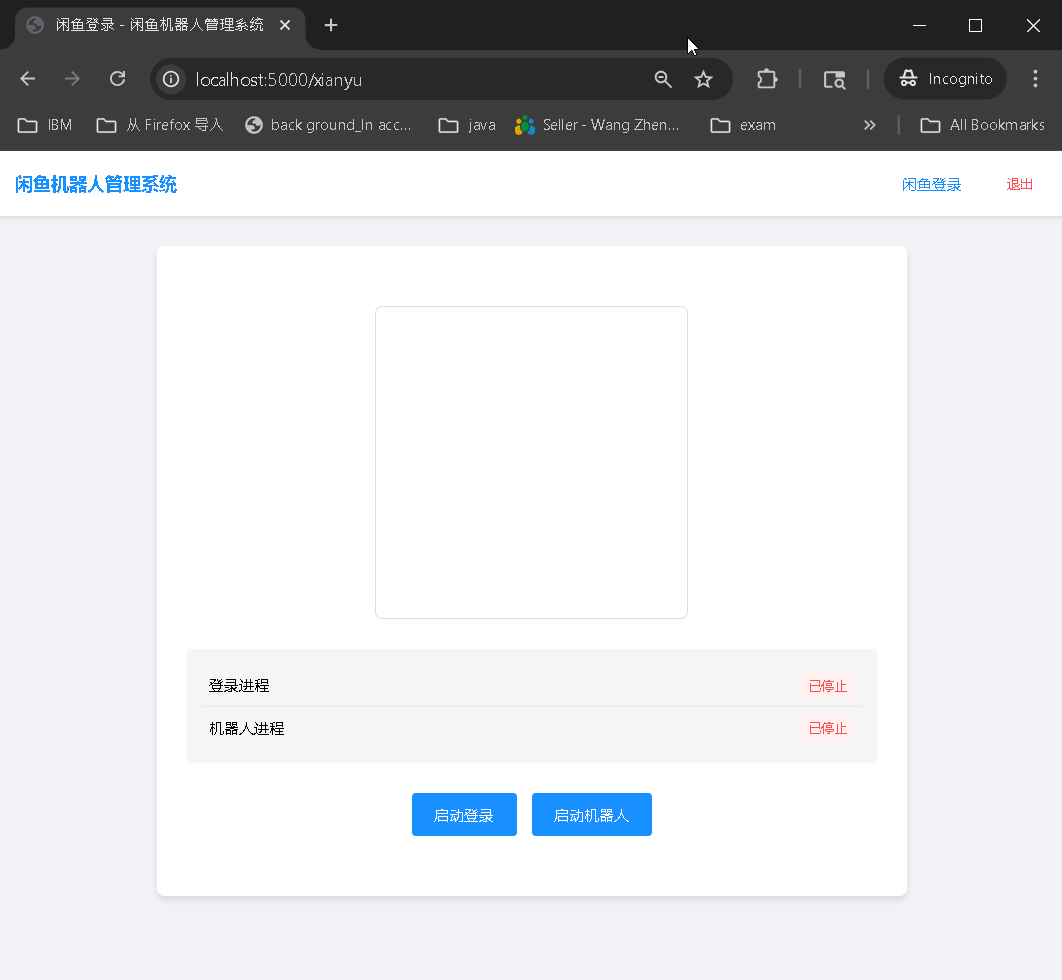
XianYu Robot Web Management System homepage, displaying system status and main function areas
Figure 4: System Homepage Interface

To help users better utilize the system, we provide answers to common questions:

  • Q: How do I change the default port? A: Modify the port configuration in /config/settings.py

  • Q: What if I forget my password? A: You can directly modify the password settings in the configuration file

  • Q: How do I get help with issues? A: Leave a message on our project page, and we’ll respond promptly

Future Outlook

We will continue to improve and optimize the XianYu Robot Web Management System, with plans to add more features:

  • Data statistics and analysis
  • Enhanced visualization interface
  • Multi-robot coordination management
  • Automated strategy configuration

Technical Support

If you encounter any issues while using the system, get support through these channels:

Reference Resources